Install
Get Continue installed in your favorite IDE in just a few steps.
1
Install from Marketplace
Click
Install on the Continue extension page in the Visual Studio Marketplace2
Install in VS Code
This will open the Continue extension page in VS Code, where you will need to
click
Install again3
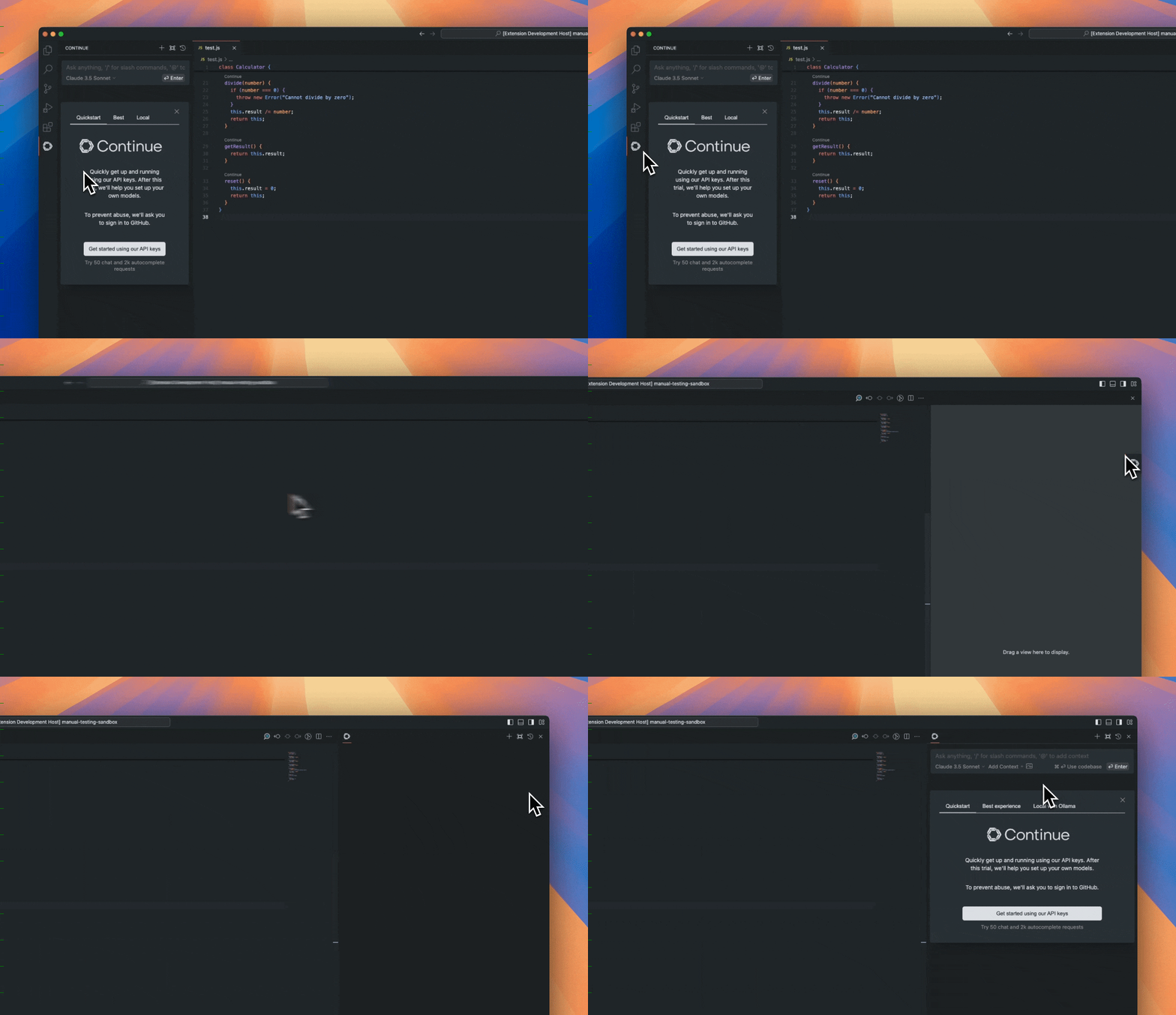
Move to Right Sidebar
The Continue logo will appear on the left sidebar. For a better experience, move Continue to the right sidebar
If you have any problems, see the troubleshooting guide.